
Download Mouse Trainer – Mouse Training, Tutorial, Productivity, Utility
Overview
Mouse Trainer is a dedicated educational tool designed to help users master the fundamentals of mouse operation through a structured and progressive learning experience. Its primary purpose is to guide individuals—particularly beginners—through the essential skills required to use a mouse effectively on a computer. The app addresses the common challenge of navigating digital interfaces without prior experience, offering a systematic approach that breaks down complex interactions into manageable steps. By focusing on core functions such as clicking, double-clicking, dragging, and right-clicking, Mouse Trainer ensures users develop a solid foundation in mouse-based navigation.
The target audience includes first-time computer users, elderly individuals adapting to digital technology, students in introductory computing courses, and anyone needing to build confidence in mouse handling. The app’s tutorial format makes it suitable for self-paced learning, enabling users to progress at their own speed without external instruction. While the developer did not provide additional background information, the app’s long-standing presence in the software ecosystem—first released in 2008—indicates its enduring relevance and reliability. Real-world use cases include preparing for digital literacy programs, classroom training, and personal skill development. In the broader context of digital tools, Mouse Trainer fills a niche by offering focused, no-frills instruction on a skill often assumed to be intuitive but frequently misunderstood by newcomers.
Key Features & Functionality
- Step-by-Step Guidance: The app delivers a logical, sequential learning path that introduces mouse functions in a structured manner. Each lesson builds on the previous one, ensuring a gradual progression from basic to more complex interactions. This method supports cognitive retention and reduces user frustration during the learning phase.
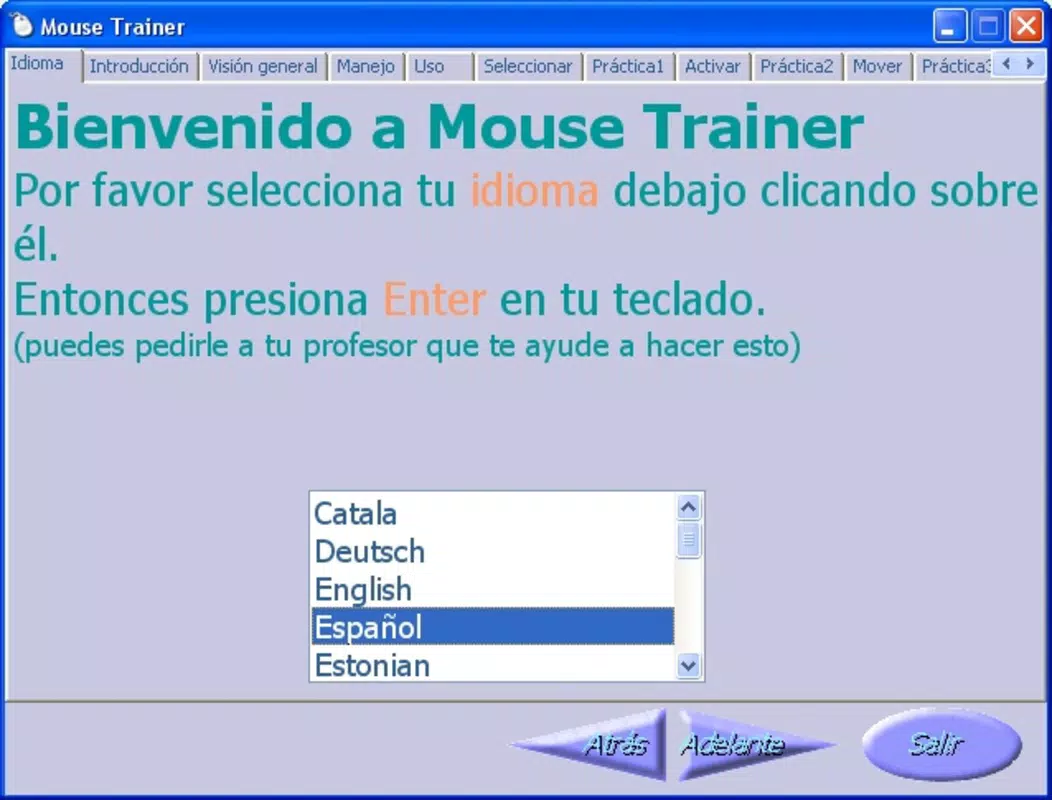
- User-Friendly Interface: Designed with simplicity in mind, the interface uses a single-window layout with clearly labeled tabs. This layout minimizes visual clutter and allows users to focus on the task at hand. The intuitive navigation is especially beneficial for those unfamiliar with digital environments.
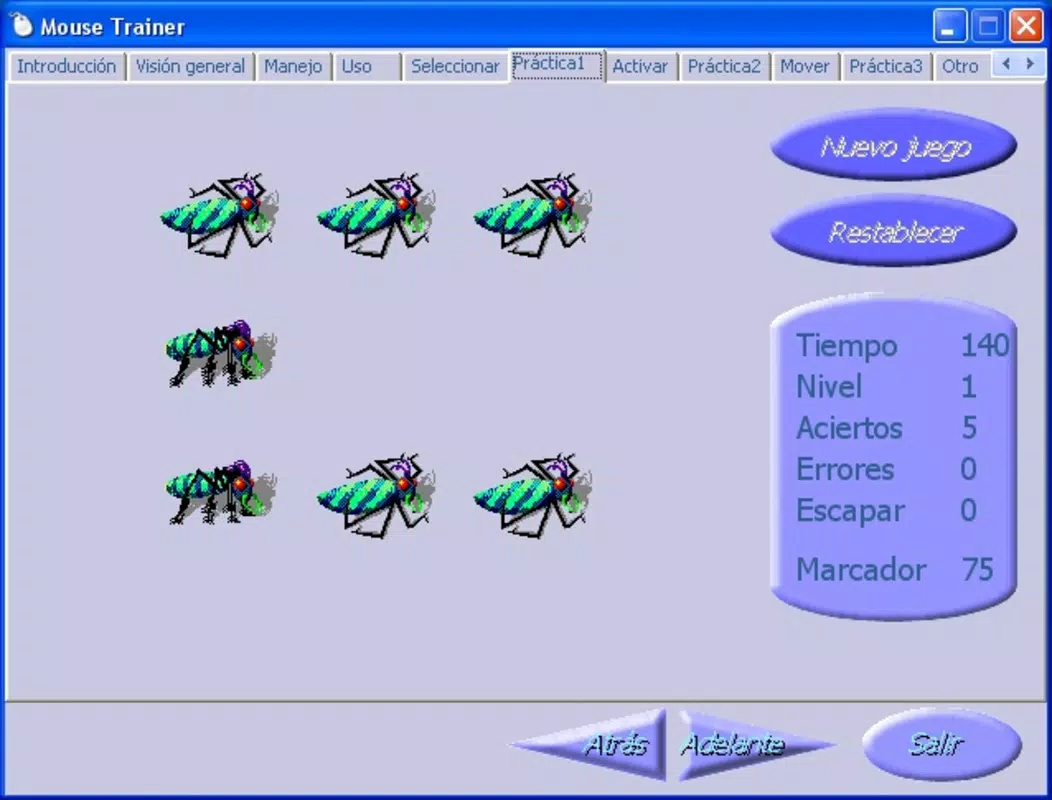
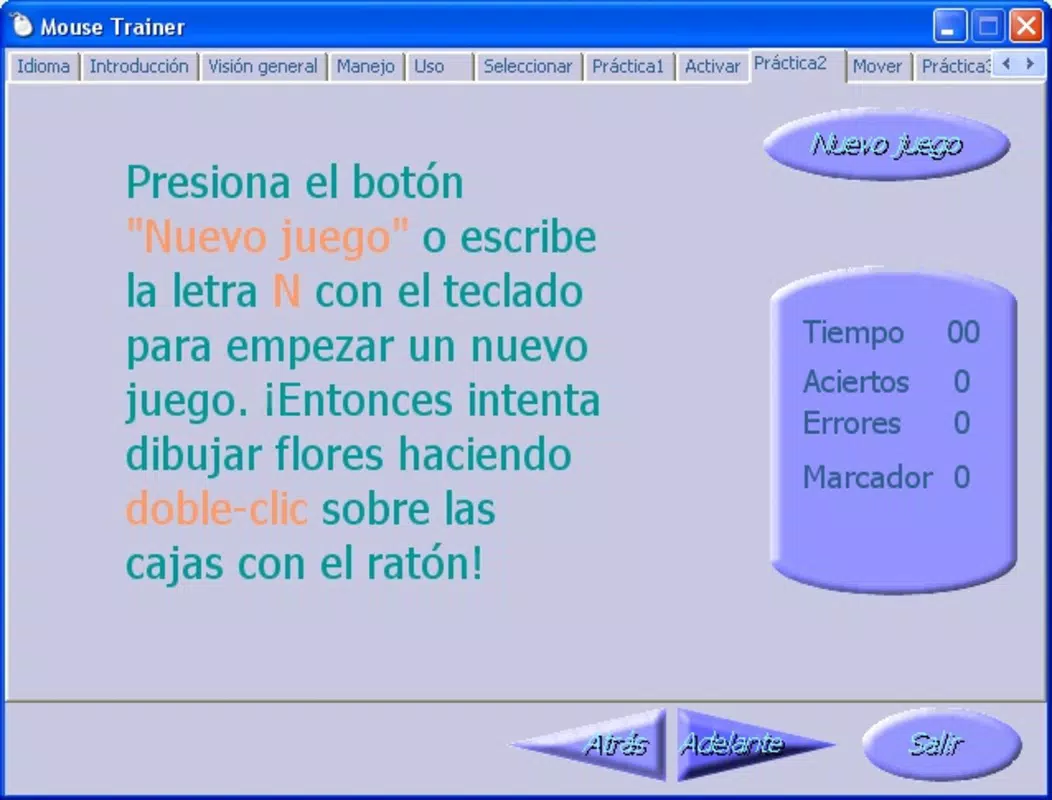
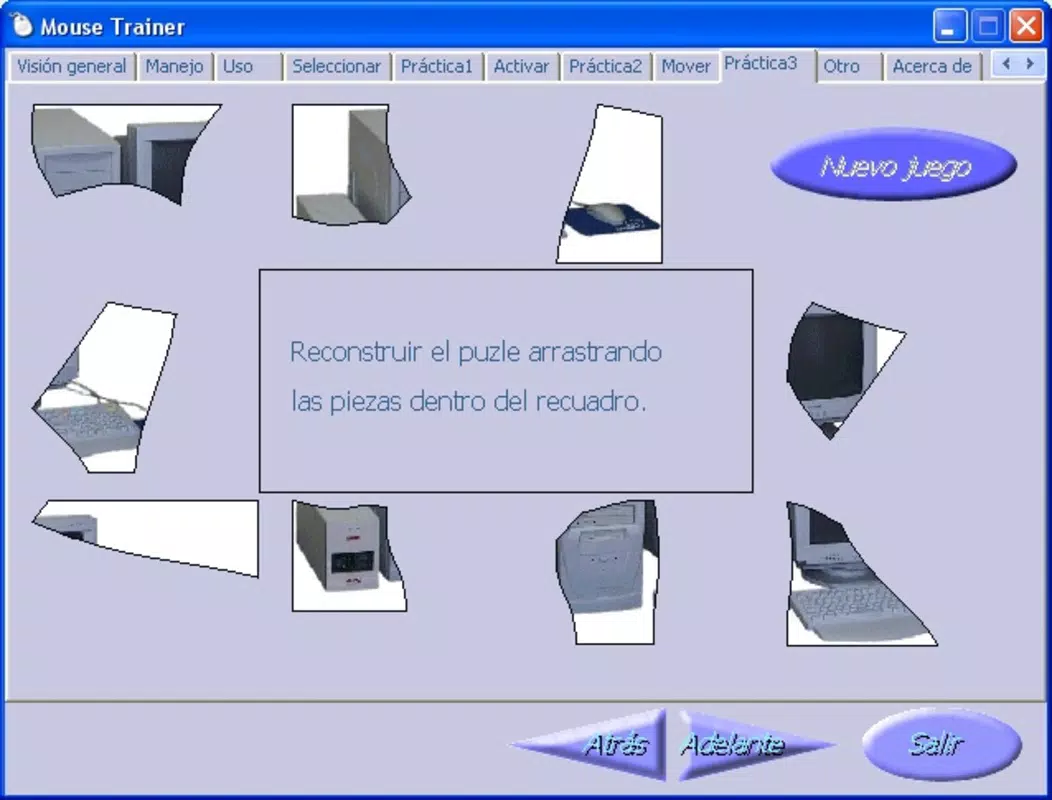
- Practical Exercises: Alongside theoretical explanations, the app integrates interactive exercises that simulate real-world mouse actions. Users can practice clicking, dragging, and selecting objects in a controlled environment, reinforcing learning through repetition and immediate feedback.
- Focus on Basic Functions: Rather than overwhelming users with advanced features, Mouse Trainer concentrates on essential mouse operations. This focus ensures that learners develop precision and confidence in fundamental skills, which are critical for success in any computer-based activity.
For example, a user learning to drag and drop files can complete a guided exercise where they move virtual icons across a screen. This hands-on practice translates directly to real-world tasks such as organizing desktop files or managing documents in file explorers. The app’s emphasis on foundational skills makes it ideal for training programs, educational institutions, or individual learners seeking to improve their digital dexterity.
Interface, UX & Performance
The interface of Mouse Trainer is designed around clarity and simplicity, prioritizing usability for beginners. It features a clean, minimal layout with a single window containing navigation tabs for different topics. This design reduces cognitive load and prevents users from becoming disoriented during the learning process. The visual style is functional rather than decorative, aligning with the app’s educational purpose. Navigation is straightforward, with intuitive tab switching and clear instructions at each stage.
Although the developer did not list formal performance metrics, the app’s lightweight structure suggests it operates smoothly on a wide range of devices. The responsiveness appears consistent across different screen sizes and input methods, indicating stable performance even on older hardware. Stability is further supported by the app’s long history, with no known reports of crashes or bugs in the public domain. The learning experience remains uninterrupted, allowing users to focus on mastering mouse skills without technical distractions. While specific compatibility details were not provided, the app’s design implies broad accessibility across desktop environments.
Platform Compatibility & Technical Requirements
Mouse Trainer is available for Windows-based systems, though the specific operating system version and file size were not disclosed. The developer did not specify minimum OS requirements or hardware limitations. The app was released on June 17, 2008, making it a legacy tool that has remained functional over time.
Its continued availability suggests compatibility with modern Windows environments, though users should verify system requirements before installation. The file size is not listed, but based on its nature as a tutorial application with minimal graphics, it is likely to be relatively small in storage footprint. For users seeking to install or update the app, the lack of current version details may require caution when sourcing from third-party platforms.
Pros and Cons
Pros
- Structured, step-by-step learning path ideal for beginners
- Simple and intuitive interface with minimal distractions
- Interactive exercises enhance skill retention and confidence
- Focuses on essential mouse functions, promoting mastery of fundamentals
- Long-standing presence in the software ecosystem indicates reliability
Cons
- Developer did not provide technical specifications such as OS version or file size
- No information on current updates or support status
- Platform availability limited to Windows (no indication of mobile or cross-platform support)
- Limited visual design; may appear outdated to modern users
- Release date indicates it is a legacy application, potentially lacking modern compatibility features
FAQ
Is Mouse Trainer safe to download and install?
Yes, the app is generally considered safe for use on Windows systems. However, since it is a legacy application released in 2008, users should download it from trusted sources to avoid potential security risks.
Can I use Mouse Trainer on mobile devices?
The developer did not indicate mobile compatibility. Based on available information, the app is designed for desktop environments and is not available for Android or iOS devices.
Is Mouse Trainer free to use?
While the pricing information was not provided, the app is widely distributed as a free tool. Users should verify the source to ensure they are obtaining the legitimate, unaltered version.
Does Mouse Trainer require an internet connection?
Based on its design as a standalone tutorial, Mouse Trainer does not require an internet connection to function. All content and exercises are contained within the application.
How often is Mouse Trainer updated?
The developer did not provide update information. Given the app’s release date in 2008 and lack of recent version details, it may not receive regular updates.
Final Thoughts + CTA
Mouse Trainer remains a valuable resource for anyone seeking to build foundational mouse skills in a structured, stress-free environment. Its emphasis on step-by-step learning, practical exercises, and core functionality makes it particularly effective for beginners and those transitioning to digital technology. While the app’s age and lack of modern updates are notable limitations, its enduring design and proven utility continue to serve its purpose.
For educators, training programs, or individuals looking to gain confidence in computer navigation, Mouse Trainer offers a reliable, no-cost solution. Its focus on simplicity and effectiveness sets it apart in a crowded digital landscape. Download Mouse Trainer now and take the first step toward mastering one of the most essential tools in modern computing.


